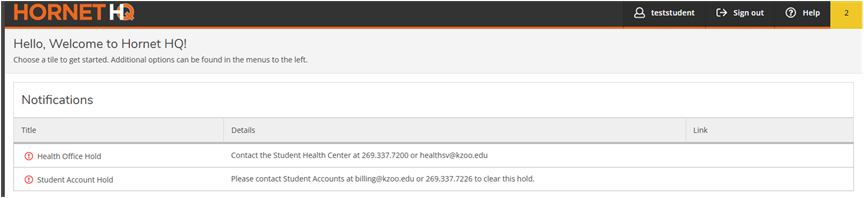
- Advising Hold
- Emergency Contact Hold
- Student Financial Responsibility Agreement Hold
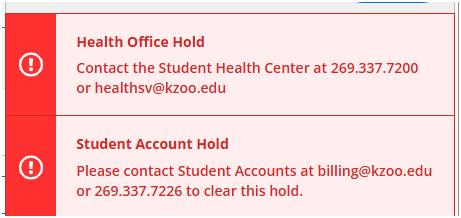
- Student Account Hold and Health Center Hold
Advising Hold
Students must meet with their advisor during Advising Days in order to have them clear the hold.
- Your Academic Advisor will clear the Advising Hold by clicking the “Advisement Complete” button during your advising meeting.
- This hold cannot be cleared by anyone other than your advisor. The Registrar’s Office and the Director of Advising cannot clear your advising hold.

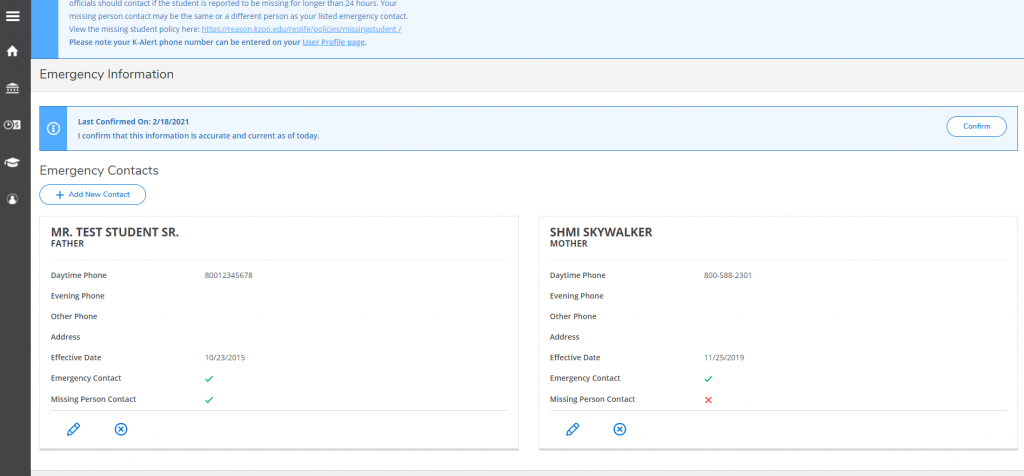
Emergency Contact Hold
Students must update their emergency contact information every 90 days on the Hornet HQ.
- After you have logged into Hornet HQ, you will find the emergency contact information under User Options.
- You have the option to add new information, edit current information or sign off on existing information.
- Once you submit the information, your hold will clear automatically.
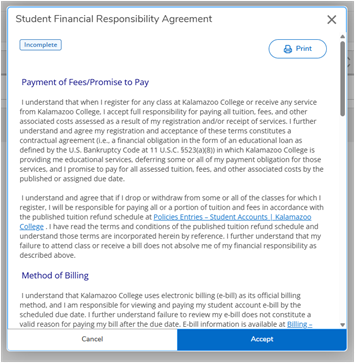
Student Financial Responsibility Agreement Hold
The Student Financial Responsibility Agreement Hold must be agreed to before you are able to register each term.
- The Student Financial Responsibility Agreement can be cleared by going to User Options and clicking Required Agreements.
- The Agreement will appear with a “View” option. Click “View.”
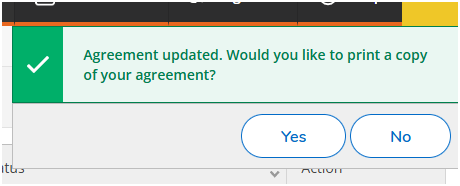
- You will be able to read the Agreement before accepting it. After accepting, you will have the option to print the Agreement.


Student Account Hold and Health Center Holds
Student Account Holds and Health Center Holds require you to contact the relevant office in order to clear the hold.
- You will need to contact the Health Center at 269.337.7200 or email them at healthsv@kzoo.edu in order to clear the Health Center Hold.
- You will need to contact Student Accounts at 269.337.7226 or email them at billing@kzoo.edu in order to clear the Student Account Hold.